|
|
 |
|
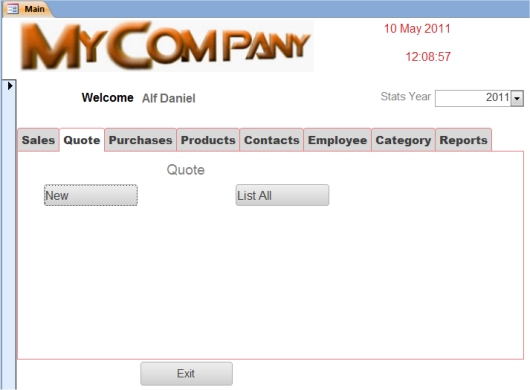
On Clicking New the above screen will be displayed. |
|
|
|
 |
|
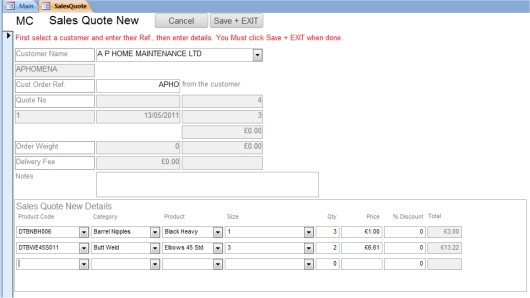
After selecting a customer, simple combo boxes allowing you to chose the customer items. |
|
|
|
 |
|
|
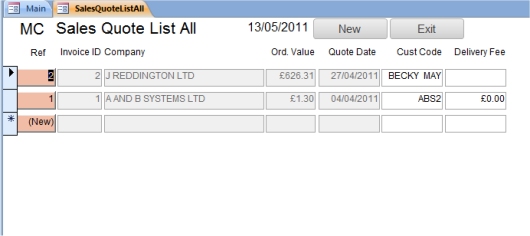
The List All Button will display all existing Quotes |
|
By clicking on the Ref (Quote Reference), you will be able to view the quote (see below). |
| |
|
|
 |
|
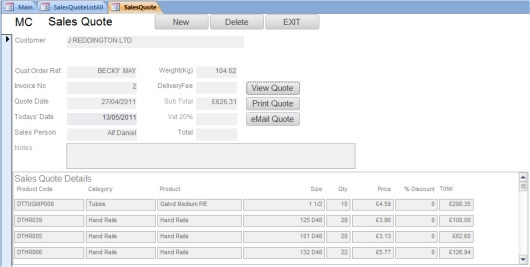
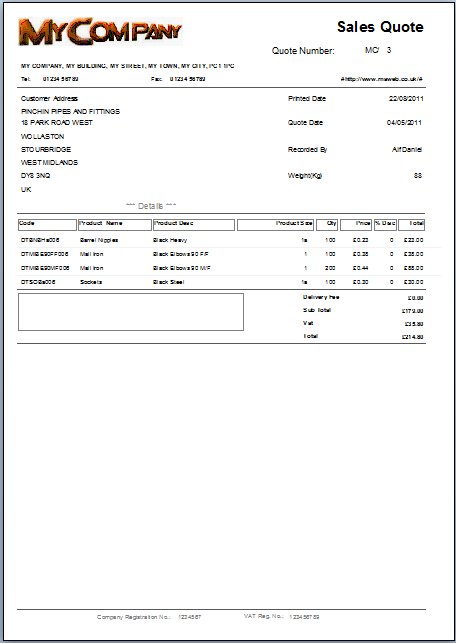
Here you can View/Print/eMail the quote as requires. |
| |
|
|
 |
|
Here is an example of a sales Quote. |
