|
|
 |
|
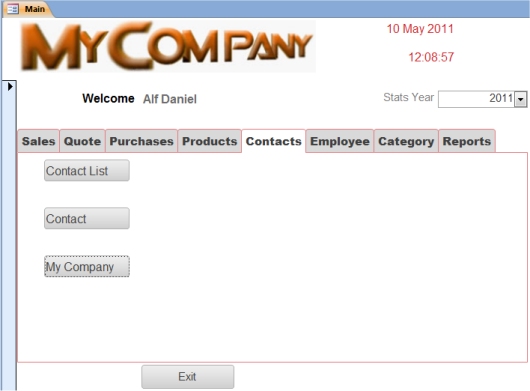
Here you can list all Contacts be it Customer / Supplier / Customer and Supplier. |
| |
You can Add a new Contact from the Contact List. |
| |
The My Company button is explained below. |
|
|
|
 |
|
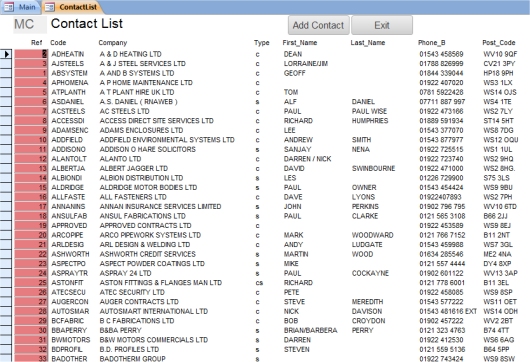
Here is an example of the Contact list. |
|
You can drill down to the contact details by clicking on the Contact Reference. |
| |
|
|
 |
|
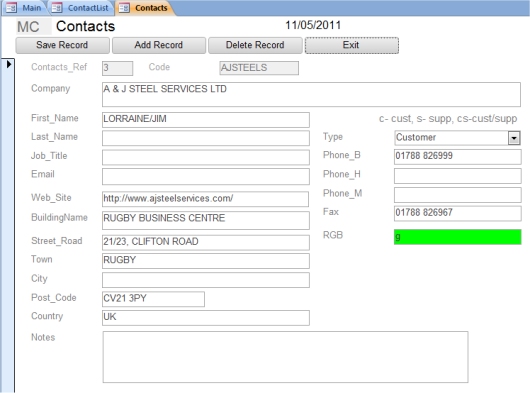
On clicking the Contact Reference this page will be displayed. |
|
Here you can edit/delete the product details. |
|
On deletion a check will be made to see if the contact has any orders. |
|
|
| |
 |
|
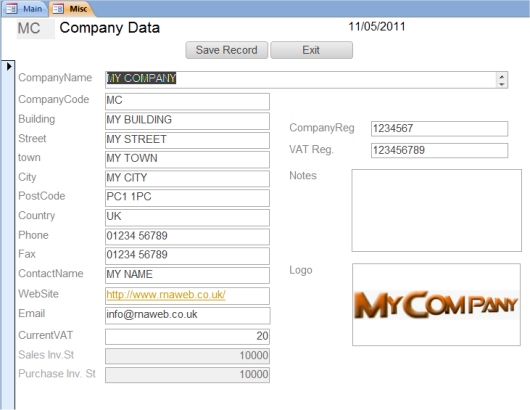
On clicking on My Company this page will be displayed. |
| |
Here you enter your company details. |
| |
You must also enter the current VAT rate and the numbers you want the Sales/Purchase Invoices to start at. |
|
By Right clicking in the Logo Box you will be able to insert your company logo. |
