|
|
 |
|
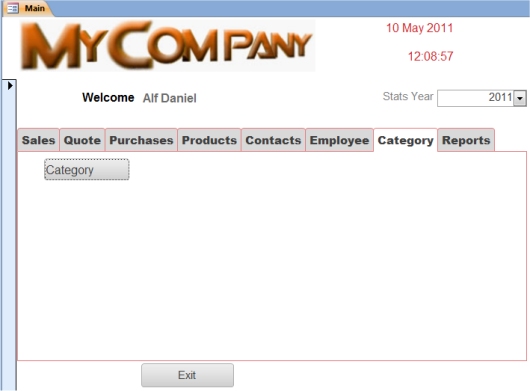
Here you can list all Categories and drill down to add/edit/delete the category details. |
| |
On drilling down will see current stock levels and sales volume by month. |
|
|
|
 |
|
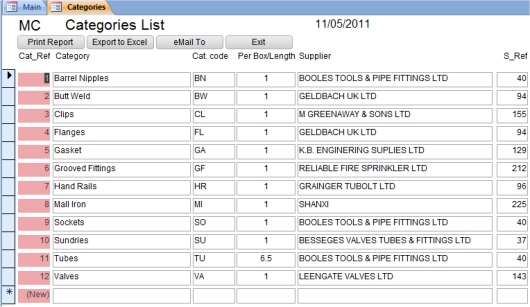
Here is an example of the Category list. |
|
The Per Box/Length is important if you sell products by the Box (say 12 in a box) or you sell tubes by 6.5 meters length. |
| |
|
|
 |
|
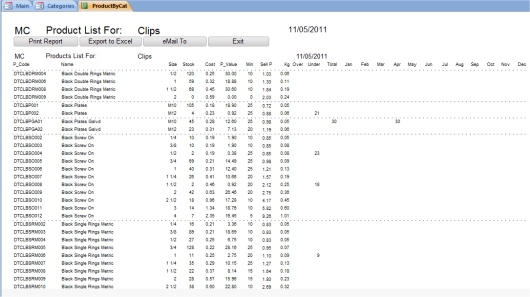
By drilling down this page will be displayed. |
|
Your current stock level per stock item and their respective monthly sales volume will be displayed. |
|
Also displayed are two columns telling you if you are OVER or UNDER your min/max stock level i.e. you need to re-order stock. |
